Game Builder Garage Switch NSP
Report Link Error
Select the broken download file, then submit the report.
Screenshots
About Game
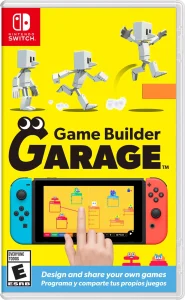
Game Builder Garage Switch NSP is a Nintendo education and training experience built around learning by doing. Released on June 11, 2021, it replaces a conventional pre-written storyline with a structured path in which the player’s progress—from first experiment to working game—is the central focus. Its lessons, tools, and cheerful Nodon characters turn programming ideas into visible connections that can be tested immediately.
What Game Builder Garage Teaches Through Its Guided Lessons
The guided lessons provide the foundation for the experience. Rather than presenting programming as a series of abstract terms, they use interactive tutorials and hands-on exercises to show how a game can be assembled piece by piece. Players are asked to follow steps, make connections, and see the results within small game-building activities.
This approach gives the visual programming basics a practical purpose. A player is not simply told that an input can trigger an action; they work with the parts involved and observe how that relationship affects a game. The lessons introduce fundamental ideas through active construction, helping each new concept connect to something playable.
The structure is especially useful for newcomers. Game development can appear intimidating when viewed as a single large task, but the Game Builder Garage guided lessons divide that task into smaller pieces. Each interactive tutorial acts as another stage in a learning process, gradually moving from simple connections toward complete creations.
Nodon: The Building Blocks Behind Player-Made Games
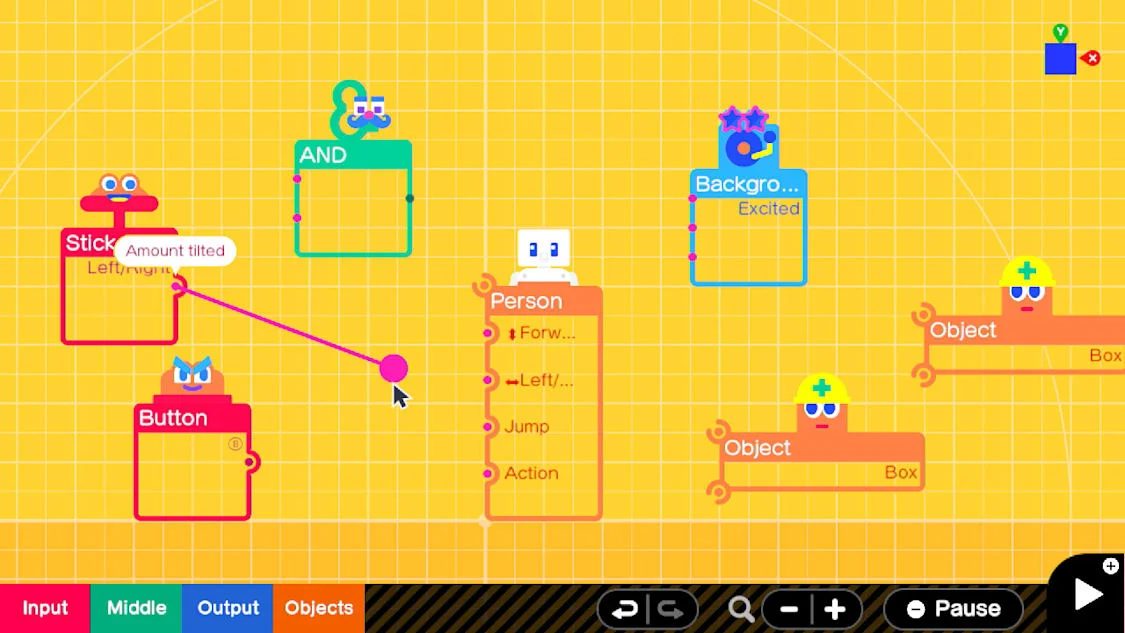
Nodon are the visible building blocks used to create games. These characters represent elements such as inputs, outputs, logic, and other functions, giving players a way to organize ideas without relying on a traditional text-based programming approach. Their role is central to how creations are planned, connected, and adjusted.
With Game Builder Garage Nodon, a control input can be linked to a response, while logic connections help determine what happens next. The system makes relationships between different parts of a game easier to inspect: players can see the components they are using and consider how those components interact.
This visual structure supports experimentation. A player can modify an example, alter a connection, and study the change in the game’s behavior. That process is valuable because it turns mistakes and revisions into part of the lesson. Nodon programming is not framed as a distant technical skill; it is presented as a series of understandable game-making decisions.
From Movement to Effects: Core Concepts Players Can Explore
The learning path covers several foundational areas, including movement, game logic, and visual effects. Movement gives a player-controlled object a response to input. Logic helps establish conditions and interactions. Visual effects add another layer to the way an idea is expressed on screen. Together, these concepts show how separate systems can contribute to a playable result.
These are not treated as isolated topics. A simple game may need movement to let the player act, logic to determine how the game responds, and visual effects to make those actions clearer. The lessons encourage players to see that a finished game is made from connected decisions rather than one single feature.
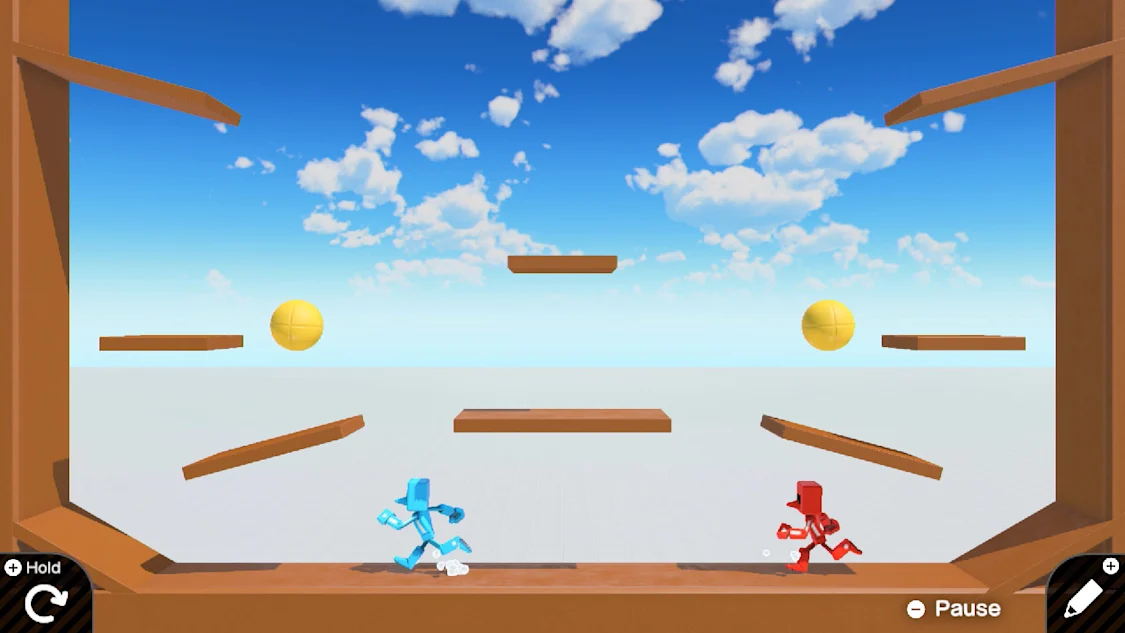
That focus also keeps the learning material grounded. The aim is not to promise unlimited complexity, but to introduce useful concepts that can be applied in small projects. A maze, puzzle, or basic platformer can become a meaningful exercise when it asks the player to think about controls, rules, and feedback.
7 Steps From First Lesson to a Functional Game
The supplied learning path is built around seven interactive lessons. Taken as a progression, it can be understood as a practical route from guided study to independent creation:
- Begin with guidance: Enter the interactive lessons and follow the step-by-step exercises designed to introduce the system.
- Meet the Nodon: Learn how Nodon characters represent inputs, outputs, logic, and functions within a creation.
- Connect actions: Use the visual system to understand how a player input can produce a response in a game.
- Explore movement: Apply core ideas to movement-focused exercises and observe how controls affect play.
- Work with logic: Build an understanding of rules and interactions that help shape game behavior.
- Add visual effects: Explore another foundational concept as lessons show how effects can support a game’s presentation.
- Build and revise: Use the provided tools to assemble a functional game, then experiment by tweaking examples or developing an original idea.
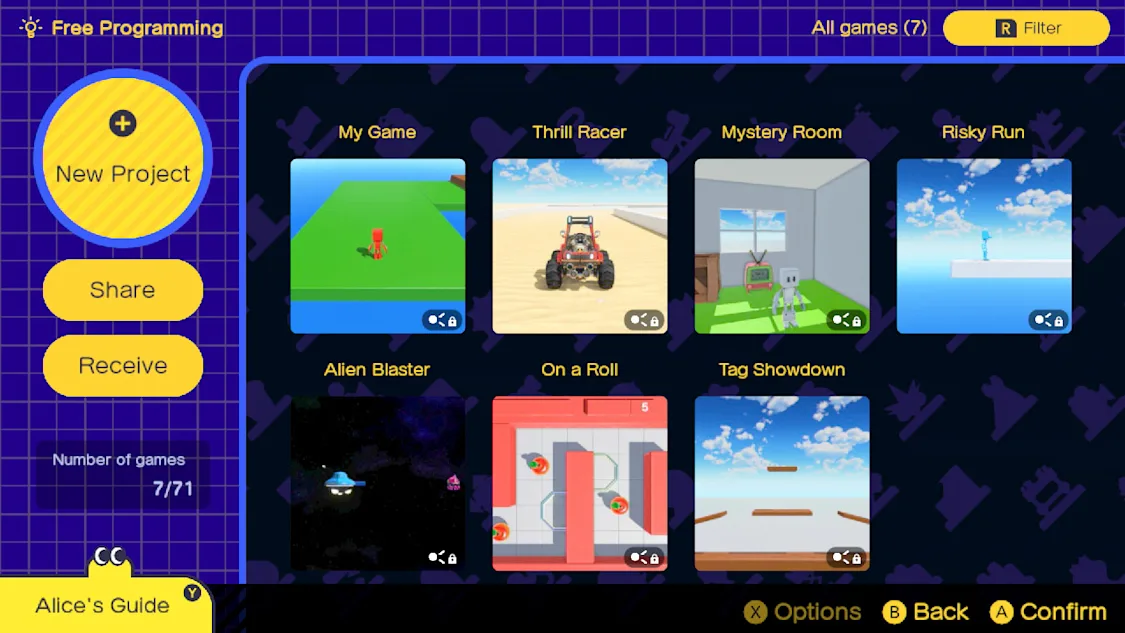
After the lesson sequence, Free Programming mode gives players room to use what they have learned. This is where the experience gains much of its replay value: a completed tutorial does not have to be the end point. It can become the basis for testing variations, revisiting mechanics, or starting a different kind of project.
Why Starting With Small Projects Makes Learning Easier
Small projects are a sensible way to approach the creative side of the game. A basic platformer, maze, or simple puzzle gives a player a manageable goal while still requiring attention to core concepts. Instead of trying to solve every design problem at once, it is easier to focus on one question: how should the player move, what should happen after an action, and how can that result be made clear?
This is useful Game Builder Garage tips advice because manageable projects make experimentation less daunting. A simple platformer can teach movement and responses. A maze can encourage thought about rules and navigation. Each finished attempt, even a modest one, can build confidence for a more involved design later.
Following lessons closely also matters. The guided material provides the context needed to understand the Nodon system, while Free Programming mode provides the space to apply that knowledge. Moving between the two can help players retain what they learned and discover how changes affect a game in practice.
A Creative Learning Tool on Nintendo Switch
Game Builder Garage Switch NSP is best viewed as a creative learning tool rather than a narrative-led adventure. Nintendo developed and published the title for Nintendo Switch, classifying it within education and training. Its progression comes from learning visual programming, completing lessons, and using those lessons to create playable games.
The presentation supports that purpose through the approachable Nodon characters and clear visual connections between game components. Its atmosphere is playful and instructional, with the emphasis placed on curiosity, testing, and gradual improvement. There is no pre-written hero’s journey to follow; the player’s own development supplies the momentum.
It is suited to people who want an accessible first step into game-making concepts, as well as players who enjoy modifying examples and building small projects. With nine listed language options—including English, French, German, Italian, Spanish, Korean, Dutch, Chinese, and Japanese—it is positioned for a broad international audience. The lasting appeal lies in returning to an idea, adjusting its logic or effects, and seeing how a new connection changes the game.
Recommended Similar Games
 Racing Car Chaos: Extreme Stunt Showdown Switch NSPView Game
 Yonder: The Cloud Catcher Chronicles Switch NSP XCIView Game
 Dexter Stardust: Adventures in Outer Space SWITCH NSPView Game
 The Oregon Trail Switch NSPView Game
 PC Building Simulator Switch NSP XCIView Game
 Submersible Simulator – Discover the Titanic into Ocean Switch NSPView Game
